


Help centreGetting started
Send your first tracked email
Write an email in Gmail as usual, send it with tracking on and see the moment your recipient opens it.
Quick answer: Write an email in Gmail as usual — the compose window says Tracking on — and click Send. When it is opened, its check in Sent turns green and a desktop notification appears. Test with a second address: your own opens never count.
By the end of this guide your next email from Gmail is tracked, and you see the moment it’s opened. Not installed yet? Start with Install TrackMy.Email.
Send a tracked email
- Click Compose in Gmail and write your email as usual.
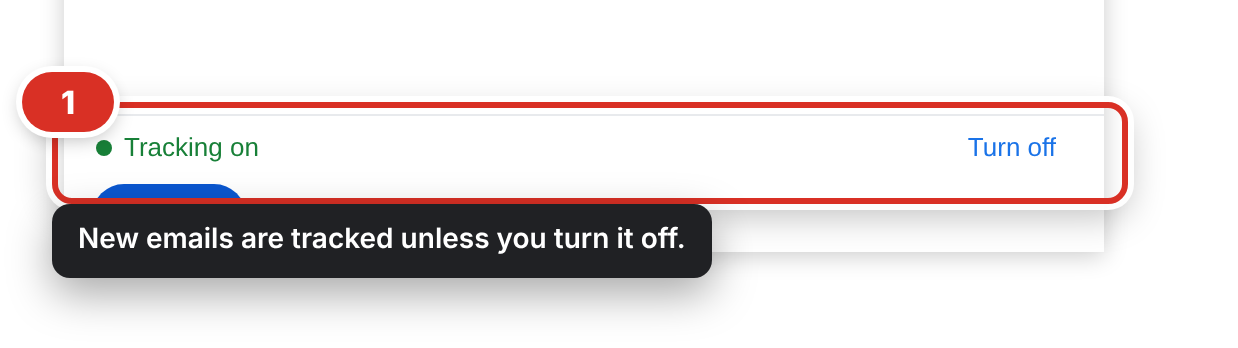
- At the bottom of the compose window you see Tracking on ①. Every new email is tracked automatically.
- Click Send. An invisible tracker is added as the email goes out — nothing else changes for your recipient.
Testing it yourself? Send it to a second address of your own and open it there. Opening it from your own Gmail in Chrome doesn’t count — your own views are never counted as opens.
See it opened
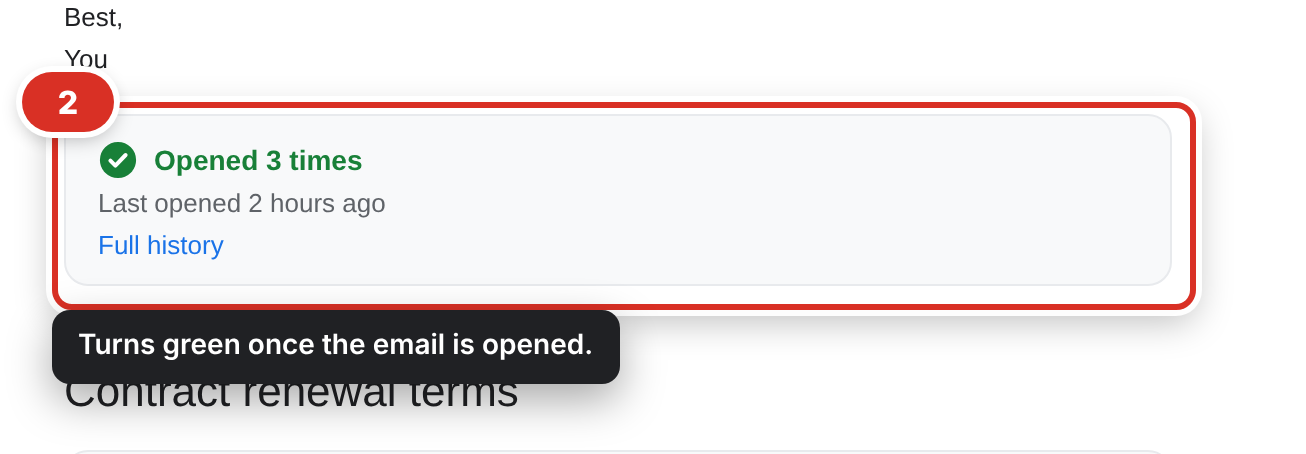
When the email is opened, its check in Sent turns from grey to green and you get a desktop notification. Open the email in Gmail to see how many times it was opened and when ②.
Next steps
- See every tracked email in one place: See all your tracked emails.
- Send one email without a tracker: Turn tracking off for one email.
Still stuck? Email [email protected].